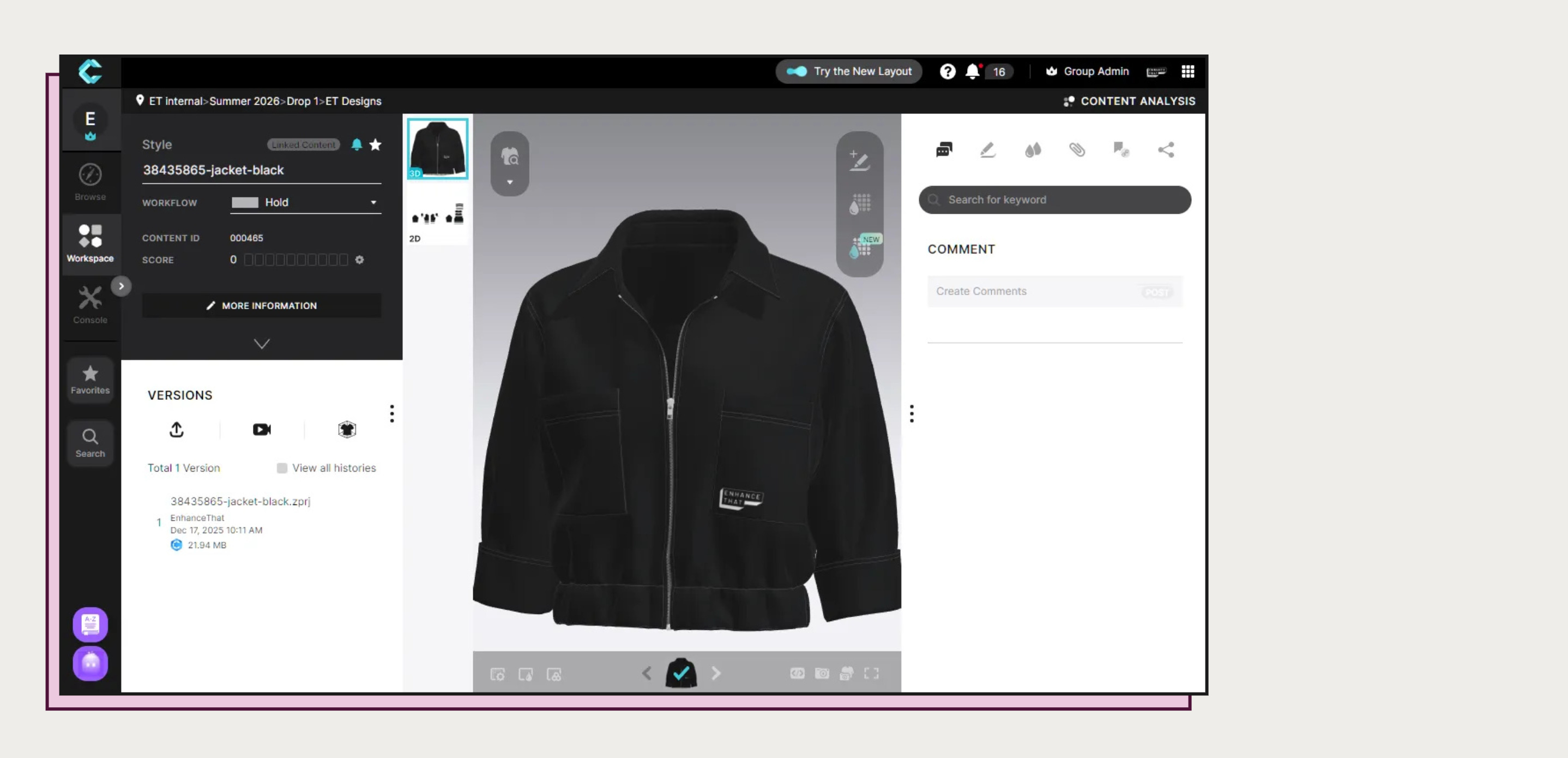
Recently, for one of our clients, we again deployed our CLO-SET render automation.
On the surface, it’s just controlling the start and the completion of the render process that’s happening inside CLO-SET. However, as a part of the full workflows, it really ties everything together, also by leveraging our external render dashboard.
The automation is simple but efficient. Works with these features:
Track the user request to render
Creates the request to render on CLO-SET with the user render preset (quality/resolution / etc.)
Monitors the rendering process
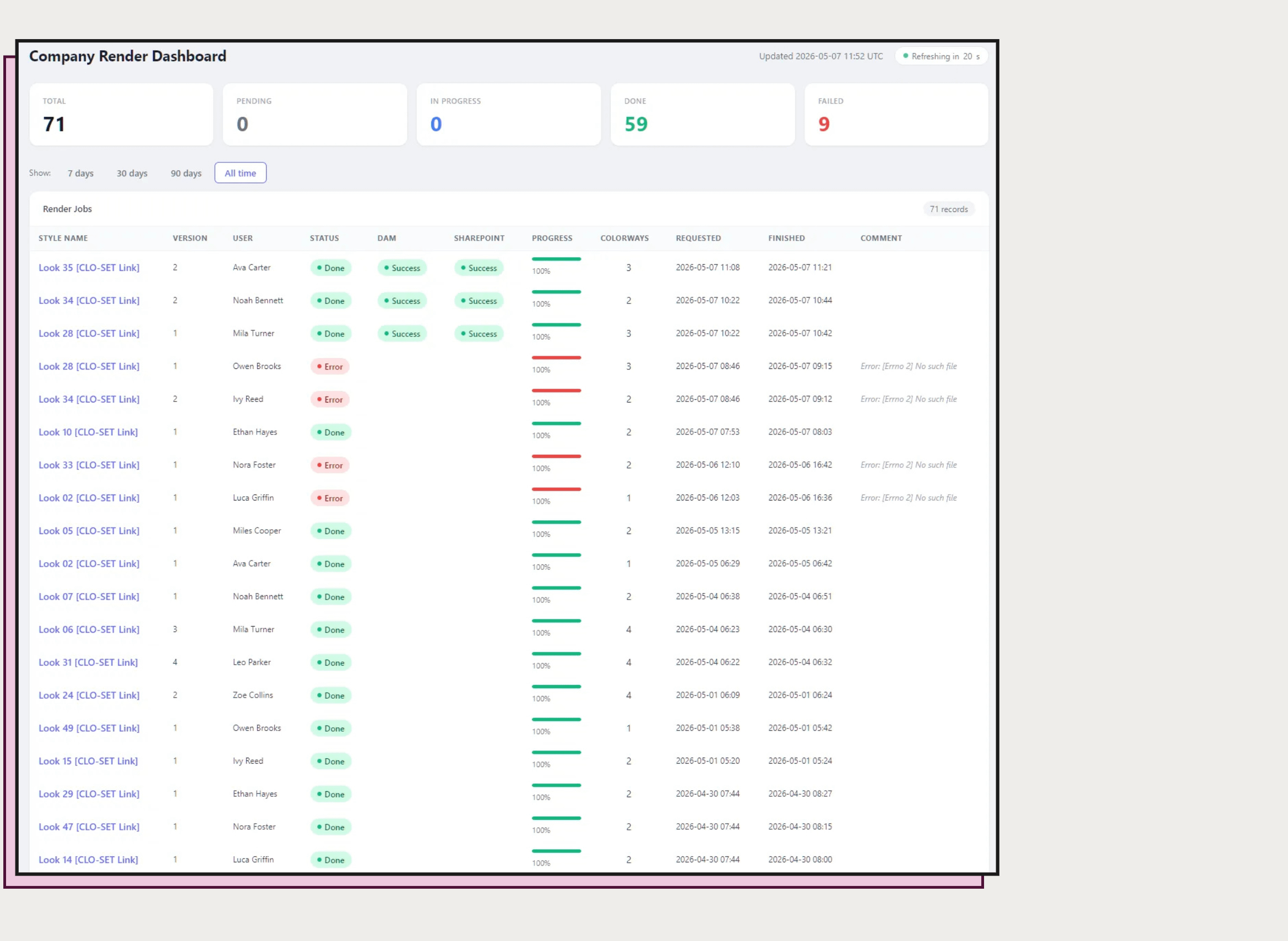
Dashboard represents all triggered renders, their progress and statuses
Upon completion of the rendering, the automation will download the rendered assets, rename them if required, and upload them to the destination systems (DAM / PLM / etc.).
Yet again, the dashboard reports the status of these operations

Each line monitors the “full circle” of the style during rendering:
Start of the render with the direct link to the style on CLO-SET
It’s progress
Completion (or Failure - then will also leave a comment if it’s known why it failed)
Status of DAM upload (or the system of your choice)
Status of SharePoint upload
This automation can be easily deployed to any company using CLO-SET. Upload integrations are easily extensible to other systems, and the dashboard can also be adapted to your needs and branding if needed.